Contaminant Comparison Chart

For a complete list of contaminants that PUR filters reduce, please view our Performance Data Sheets here.


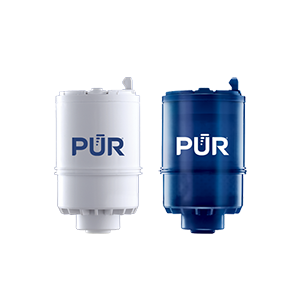
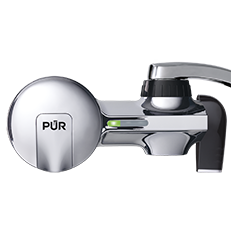
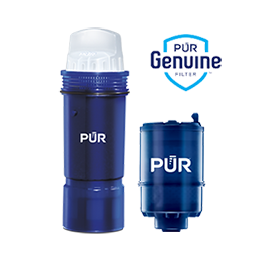
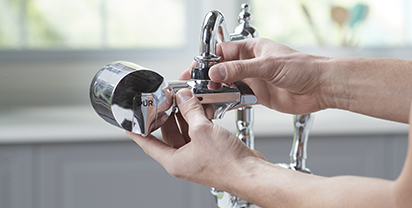
PUR & PUR PLUS FAUCET FILTERS
RF3375/RF9999

View Filters

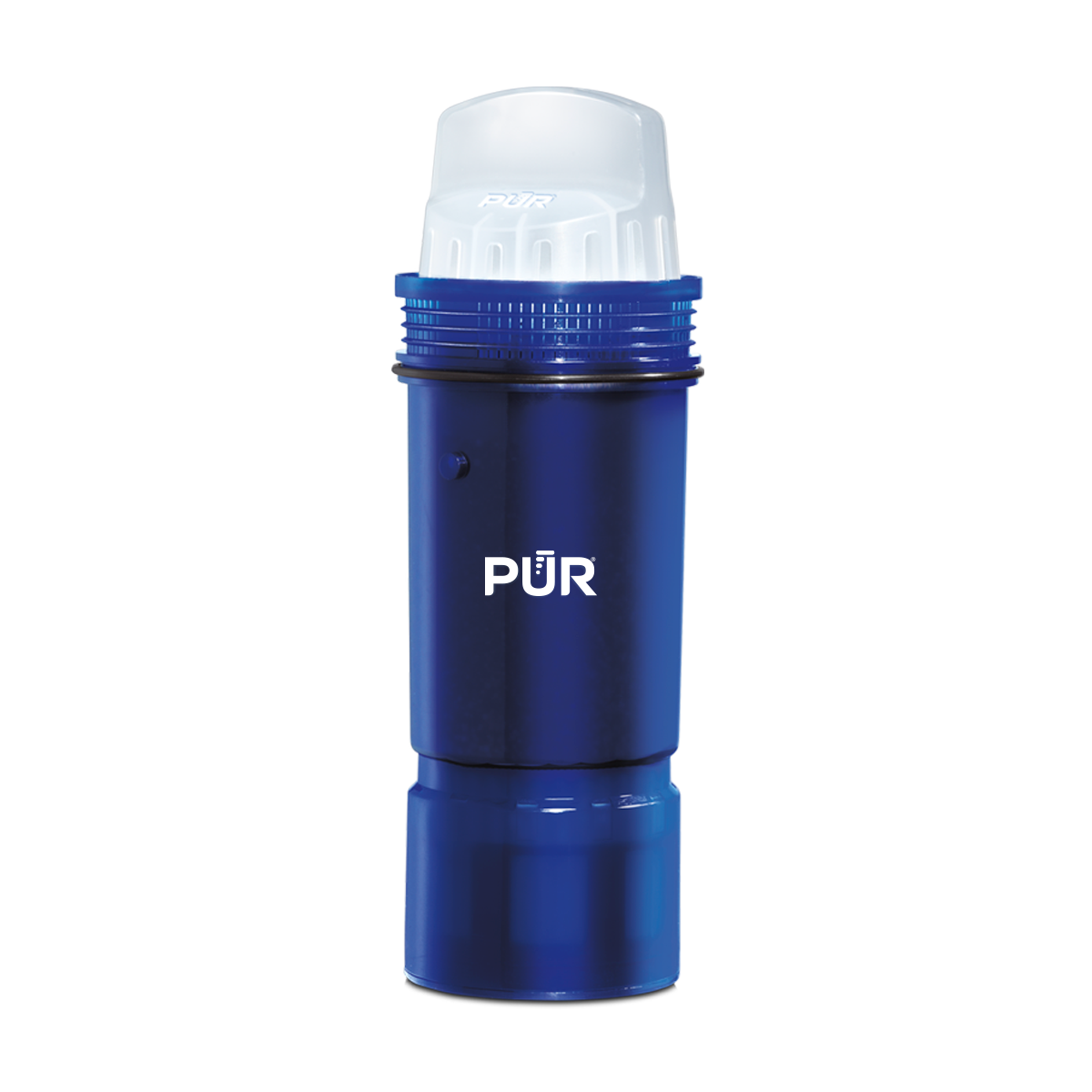
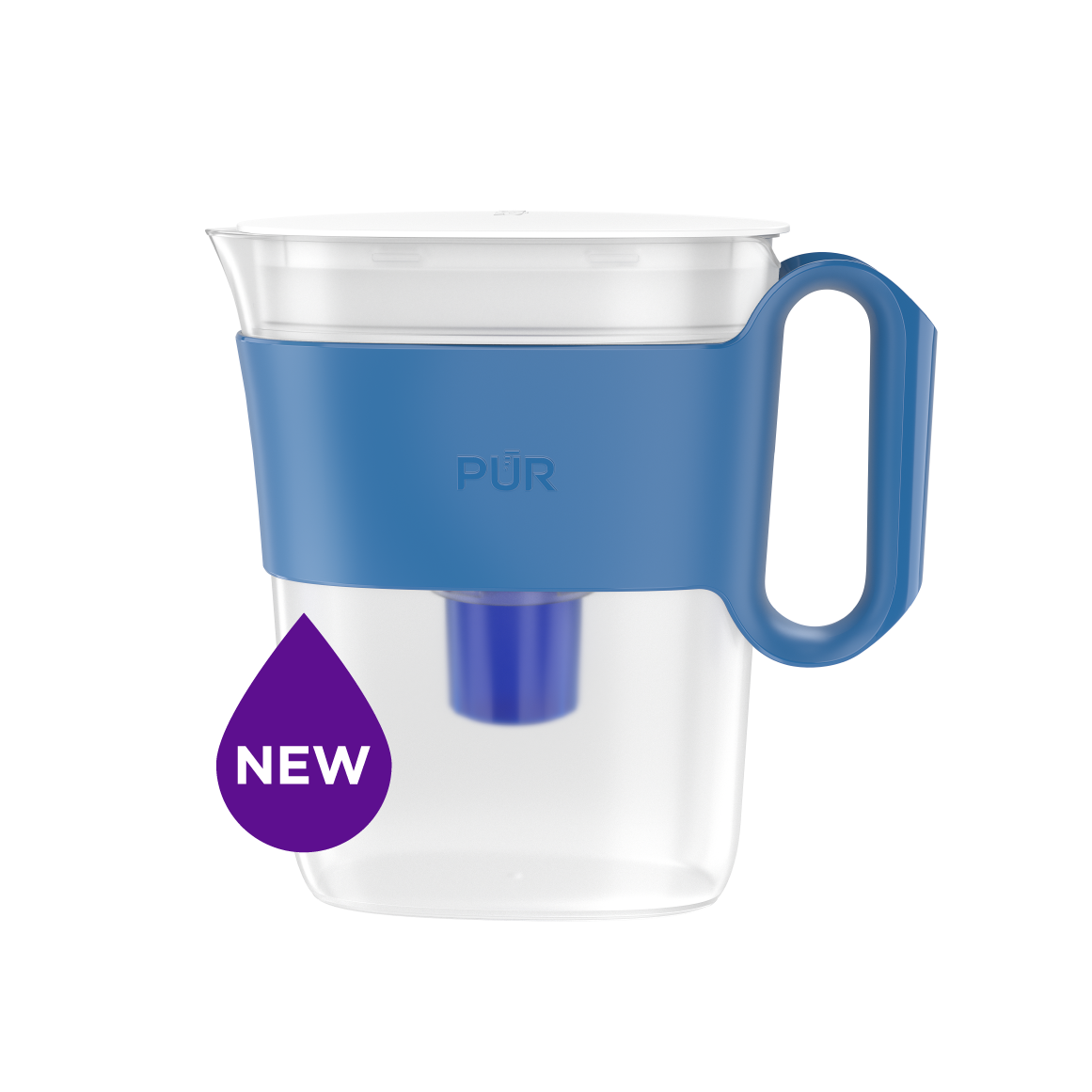
PUR PLUS PITCHER FILTERS
PPF951K

View Filter

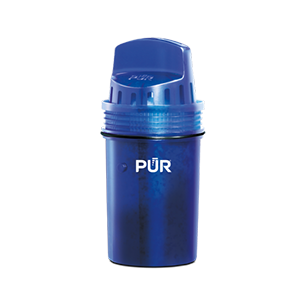
PUR BASIC PITCHER FILTERS
PPF900Z

View Filter


Vs. Brita*

Lead ✓ ✓
Microplastics ✓ ✓
Mercury ✓ ✓ ✓
Chlorine Taste & Odor ✓ ✓ ✓
DEET ✓
TTHM ✓

PUR’s Filtration Systems Are Certified By NSF And WQA For Their Contamination Reduction. WQA certifications as of 5/27/21 for Faucet filter models RF-3375 and RF-9999.

¹ Certified to reduce 10X more chemical and physical substances than Brita’s® leading pitcher filter.
² Certified to reduce 3X more chemical and physical substances than Brita’s® leading pitcher filter.
³ Certified to reduce 2X more chemical and physical substances than Brita’s® leading pitcher filter.
*Versus best-selling Brita® pitcher filter OB03. Brita® is a trademark of Brita LP.
**Like other leading brands, PUR does not filter microbes. As of 3/1/23 Brita® and ZeroWater® were not certified to filter microbes. Brita® is a trademark of Brita LP. ZeroWater® is a trademark of Zero Technologies, LLC..

 

PUR & PUR PLUS FAUCET FILTERS


PUR & PUR PLUS FAUCET FILTERS
RF3375/RF9999

View Filters


Vs. Brita*

Lead ✓
Microplastics ✓
Mercury ✓
Chlorine Taste & Odor ✓
DEET ✓
TTHM ✓

PUR’s Filtration Systems Are Certified By NSF And WQA For Their Contamination Reduction. WQA certifications as of 5/27/21 for Faucet filter models RF-3375 and RF-9999.

¹ Certified to reduce 10X more chemical and physical substances than Brita’s® leading pitcher filter.
² Certified to reduce 3X more chemical and physical substances than Brita’s® leading pitcher filter.
³ Certified to reduce 2X more chemical and physical substances than Brita’s® leading pitcher filter.
*Versus best-selling Brita® pitcher filter OB03. Brita® is a trademark of Brita LP.
**Like other leading brands, PUR does not filter microbes. As of 3/1/23 Brita® and ZeroWater® were not certified to filter microbes. Brita® is a trademark of Brita LP. ZeroWater® is a trademark of Zero Technologies, LLC..


PUR PLUS PITCHER FILTERS


PUR PLUS PITCHER FILTERS
PPF951K

View Filter


Vs. Brita*

Lead ✓
Microplastics ✓
Mercury ✓
Chlorine Taste & Odor ✓
DEET
TTHM

PUR’s Filtration Systems Are Certified By NSF And WQA For Their Contamination Reduction. WQA certifications as of 5/27/21 for Faucet filter models RF-3375 and RF-9999.

¹ Certified to reduce 10X more chemical and physical substances than Brita’s® leading pitcher filter.
² Certified to reduce 3X more chemical and physical substances than Brita’s® leading pitcher filter.
³ Certified to reduce 2X more chemical and physical substances than Brita’s® leading pitcher filter.
*Versus best-selling Brita® pitcher filter OB03. Brita® is a trademark of Brita LP.
**Like other leading brands, PUR does not filter microbes. As of 3/1/23 Brita® and ZeroWater® were not certified to filter microbes. Brita® is a trademark of Brita LP. ZeroWater® is a trademark of Zero Technologies, LLC..


PUR BASIC PITCHER FILTERS


PUR BASIC PITCHER FILTERS
PPF900Z

View Filter


Vs. Brita*

Lead
Microplastics
Mercury ✓
Chlorine Taste & Odor ✓
DEET
TTHM

PUR’s Filtration Systems Are Certified By NSF And WQA For Their Contamination Reduction. WQA certifications as of 5/27/21 for Faucet filter models RF-3375 and RF-9999.

¹ Certified to reduce 10X more chemical and physical substances than Brita’s® leading pitcher filter.
² Certified to reduce 3X more chemical and physical substances than Brita’s® leading pitcher filter.
³ Certified to reduce 2X more chemical and physical substances than Brita’s® leading pitcher filter.
*Versus best-selling Brita® pitcher filter OB03. Brita® is a trademark of Brita LP.
**Like other leading brands, PUR does not filter microbes. As of 3/1/23 Brita® and ZeroWater® were not certified to filter microbes. Brita® is a trademark of Brita LP. ZeroWater® is a trademark of Zero Technologies, LLC..


How to Choose a Fingerprint Scanner in 2026?

Choosing a Fingerprint Scanner in 2026 means looking beyond the sensor’s advertised speed. A busy reception desk, a dusty warehouse, and a shared tablet create very different conditions. Start with the setting. The right device should capture reliable fingerprints there, not only in a clean demonstration.

Market growth adds urgency, but it needs context. Grand View Research valued the global biometric systems market at approximately USD 42.9 billion in 2023 and projected a 20.4% compound annual growth rate from 2024 to 2030. That figure covers multiple biometric technologies, not fingerprint scanners alone. Still, it signals expanding investment—and more products competing for attention. Specs can blur together.

Security deserves equal weight. NIST’s Digital Identity Guidelines, SP 800-63B-4, treat biometrics as part of multi-factor authentication with a physical authenticator, rather than a stand-alone secret. For buyers, that makes integration, enrollment controls, presentation-attack detection, and data handling important evaluation points. Check how a Fingerprint Scanner performs with dry skin, worn fingerprints, gloves, and repeated daily use. Ask for independent test results, not just vendor claims. A clean lab test can flatter a device. Real-world performance may disappoint, and no single rating captures every user group. This guide compares the practical trade-offs behind sensor type, accuracy, speed, durability, compatibility, and total cost, helping you choose with evidence—and with a little healthy skepticism.

How to Choose a Fingerprint Scanner in 2026?

What a Fingerprint Scanner Does and Where It Is Used

A fingerprint scanner captures ridge patterns from a finger and converts them into a digital template. During verification, it compares a new scan with an enrolled template to check whether they match. Identification is broader: the system searches a collection of templates for a possible match. The distinction matters. A phone usually checks one enrolled user, while a workplace access terminal may compare against many authorized people.

Scanners appear in phones, building entry systems, attendance terminals, and some payment workflows. The sensor may be optical, capacitive, or ultrasonic; each handles moisture, pressure, and surface detail differently. NIST’s Special Publication 800-63B sets a useful benchmark for digital identity systems: biometric comparison should achieve a false match rate of 1 in 1,000 or better, and biometrics should be paired with a physical authenticator. That is a technical threshold, not a promise that every real-world scan will work. Cold fingers, worn ridges, dust, or hurried placement can still cause failed reads. In practice, test the scanner with the people and conditions it will actually serve. A clean lab result can be misleading.

How to Choose a Fingerprint Scanner in 2026? — What a Fingerprint Scanner Does and Where It Is Used

Decision Factor What the Scanner Does Common Options Typical Uses What to Check Before Choosing
Capture technology Records the fingerprint’s ridge-and-valley pattern and converts it into data for enrollment or comparison. Optical sensors photograph the fingertip; capacitive sensors measure electrical differences; ultrasonic sensors use sound waves to map surface detail. Optical: access-control terminals and enrollment stations. Capacitive: many compact devices. Ultrasonic: applications that need sensing through certain thin surface materials. Match the sensor to the environment, device design, expected usage, and required image quality. No technology is automatically best for every application.
Verification or identification Verification compares a presented finger with a claimed identity. Identification searches a fingerprint against a stored set of enrolled records. One-to-one (1:1) matching; one-to-many (1:N) searching. 1:1: device unlock, staff entry, and account verification. 1:N: identity searches in systems designed for larger record collections. Confirm which matching mode the complete system supports. Search speed and accuracy depend on the sensor, software, database size, and operating conditions.
Image area and detail Captures enough fingerprint area and ridge detail for the system to extract usable features. Compact touch sensors; larger-area sensors; rolled-print capture devices for applications that require a broader impression. Compact sensors suit personal devices and small terminals. Larger capture areas can help with supervised enrollment or formal fingerprint collection. Check the active capture area, image resolution, supported finger-placement method, and whether the system meets the applicable agency or project requirements.
Matching performance Compares extracted fingerprint features and returns a match score or decision. Performance is typically described using measures such as false match rate (FMR) and false non-match rate (FNMR). Relevant to all applications, especially access control, identity checks, and high-volume enrollment. Request test results for the intended operating conditions and decision threshold. A lower false-match setting can increase the chance that a genuine user is rejected; published figures are not directly comparable unless test methods align.
Liveness and presentation-attack checks May assess whether a presented sample appears to come from a live finger rather than a replica or other presentation. Methods vary by sensor and system; some use additional signals or software checks. Access points, identity verification, and other situations where spoofing is a concern. Ask what attacks were tested and how the system was evaluated. Liveness checks can reduce some risks but do not guarantee that every attack will be detected.
Operating environment Captures fingerprints under the conditions present at the point of use. Enclosed or exposed sensors; fixed terminals; portable or handheld readers. Indoor doors, outdoor gates, mobile field work, manufacturing sites, and public-facing kiosks. Check temperature and moisture limits, dust or water protection, cleaning requirements, lighting sensitivity where relevant, and expected wear. Dry, wet, dirty, or damaged fingers may affect capture.
Integration and connectivity Transfers fingerprint data or match results to a host device or identity-management system. USB, embedded interfaces, or network-connected terminals, depending on the product design. Workstations, door controllers, time-and-attendance systems, and managed identity platforms. Confirm operating-system support, drivers or SDK availability, supported data formats, enrollment workflow, and compatibility with the existing system.
Privacy and data handling Systems may store fingerprint images, derived templates, or both, depending on their design. Local device storage; protected central storage; on-device comparison with limited data transfer. Any deployment that collects, compares, or retains biometric information. Find out what is stored, where it is stored, who can access it, how it is protected and deleted, and what consent, notice, retention, or legal requirements apply in the deployment location.
Accessibility and fallback Provides one way to recognize a user, but not every person can reliably present a usable fingerprint. Alternative credentials may include a card, PIN, staffed review, or another approved method. Workplaces, public services, shared facilities, and systems with diverse users. Plan an accessible alternative for users with worn, injured, or difficult-to-capture fingers, and define a secure recovery process for failed enrollment or repeated rejection.
Deployment and maintenance Needs correct enrollment, routine operation, and upkeep to maintain consistent capture quality. Self-service enrollment; supervised enrollment; scheduled cleaning and inspection. Small installations as well as multi-site access or identity programs. Estimate enrollment time, user throughput, cleaning frequency, support needs, replacement process, and total operating cost—not just the scanner purchase price.

Practical note: A fingerprint scanner captures biometric information; the surrounding system handles enrollment, matching, access decisions, and data protection. Evaluate the complete system against the intended use, local requirements, and a representative user test.

How to Match Scanner Types to Your Access or Identity Needs

How to Choose a Fingerprint Scanner in 2026?

How to Match Scanner Types to Your Access or Identity Needs

Choose by task, not by sensor hype. For a door reader used by employees each day, a capacitive scanner can offer quick, compact verification. Optical scanners may suit controlled indoor check-in desks, where users can place a finger steadily. But wet, dry, or worn skin can affect results. Test with the people who will actually use the device.

Identity enrollment has different demands. A scanner for creating official records should capture consistent detail across repeated scans, with clear image-quality checks and secure data handling. Multispectral models may help where surface conditions make ordinary imaging less reliable, but they can cost more and still need real-world evaluation. Ask how the system handles failed captures. That matters.

For either use, check throughput, connection options, cleaning needs, and accessibility before buying. A busy lobby may need fast retries and a fallback method, while a small lab can tolerate a slower capture process. Review whether templates stay on the device or move to a protected system, and who can access them. Specifications can look tidy; installations rarely are. Test the scanner in the actual lighting, temperature, and workflow, then compare failure rates—not just advertised speed.

Which Capture and Matching Features Matter in 2026

In 2026, judge a fingerprint scanner by the image it captures, not its advertised speed. NIST Special Publication 800-76-2 specifies 500 pixels per inch for PIV fingerprint imagery, a useful interoperability benchmark. It is not proof that every finger will scan well. Check image quality against ISO/IEC 29794-4, which defines fingerprint image quality measures. Small details matter: ridge clarity, sensor area, and whether the scanner can capture a dry or damp fingertip consistently.

Test with varied fingers, not just a clean, centered thumb. Include worn ridges and slightly off-center placement. Ask for false match and false non-match rates, plus the test threshold, sample size, and capture conditions. Rates without context are hard to compare. One-to-one verification and one-to-many identification also place different demands on matching speed and accuracy. Ask how the system handles poor-quality samples, and whether a failed capture prompts a clear retry rather than a silent rejection.

Matching needs evidence, too. Request independent test results and confirm that the scanner’s templates work with the intended matching system. NIST’s NFIQ 2 software assesses fingerprint image quality and helps connect capture quality with matching performance. A demo can still look convincing under ideal conditions. I would test at the actual desk, with ordinary lighting and hurried users; that may expose flaws a lab misses. A useful choice balances reliable capture, measurable matching performance, and practical retries.

How to Check Security, Privacy, and Device Compatibility

How to Choose a Fingerprint Scanner in 2026?
How to Check Security, Privacy, and Device Compatibility

A fingerprint scanner should protect more than the login screen. Check whether fingerprint matching happens on the device or on a remote server, and whether stored templates are encrypted. NIST’s SP 800-63B-4 guidance treats biometrics as part of an authentication process, not a standalone secret. Look for presentation-attack detection, too; a sensor should be tested against fake or replayed fingerprints. Small details matter. IBM’s 2024 Cost of a Data Breach report estimated the global average breach cost at $4.88 million. That figure is not specific to biometrics, but it underlines the value of careful data handling.

Privacy settings deserve a close read. Find out whether templates can be deleted, who can access them, and whether the scanner sends diagnostic data. Compatibility is just as practical: confirm support for your operating system, connection type, drivers, and the apps you need. Check whether the device stores fingerprint templates in a protected hardware area or relies on host software. A damp thumb can still fail. That ordinary limitation matters when choosing a scanner for daily use.

Tips: Test the scanner on the exact device and operating system you plan to use. Try different fingers, dry and slightly damp, and check how quickly access works. Review the fallback sign-in method and deletion process before enrolling anyone. If the setup requires unexplained permissions or sends data to an unclear destination, pause and investigate.

How to Compare Costs, Reliability, and Long-Term Support

A fingerprint scanner’s price is only the entry fee. Compare the full five-year cost: installation, enrollment time, cleaning supplies, replacement parts, and service visits. Test the device with dry, damp, and worn fingertips in the actual lighting and temperature conditions. Record failed reads and retry time. A quick demo is not a reliability study. NIST Special Publication 800-76-2 specifies 500 pixels per inch for certain fingerprint images used in personal identity verification. Treat that as a technical reference, not a universal purchasing rule.

Tips: Ask vendors for independent test results, failure rates, and repair timelines. Check whether the scanner supports documented data formats and can export records if you change systems. Keep a small pilot running for several weeks. Real usage can expose awkward enrollment steps that a polished demo misses.

Long-term support deserves a line in the contract. Confirm firmware update frequency, security patch commitments, spare-part availability, and support fees after the warranty ends. Ask how long the device will receive updates, and what happens if a component is discontinued. Put response times in writing. One caveat: the cheapest scanner may still suit a low-traffic site, but only if replacement and downtime costs are acceptable. Estimate those costs honestly; they are easy to underestimate.

How to Choose a Fingerprint Scanner in 2026

Compare five-year ownership costs alongside reliability and long-term support.

How to read this chart: The bars show an illustrative five-year cost model per scanner: an assumed purchase price plus five years of assumed annual support. These are planning inputs, not market averages or vendor quotes; integration, installation, taxes, and replacement costs are excluded. For reliability, compare independently tested false match and false non-match rates under your intended conditions. For long-term support, verify warranty terms, security-update commitments, and the availability of replacement units.